Zotero AI: how to chat with your Zotero library

You’ve got three hundred papers in Zotero, and you want to know which of them measured the effect in children rather than adults, and with what sample sizes. Zotero will happily list the papers with “children” in the abstract. The answer itself is beyond it.
Zotero has no AI of its own, and going by its changelog it isn’t planning any. For a non-profit that cares about your data that’s a reasonable call, but it means that if you want to put a question to your library, you’ll have to bolt something on.
Three ways to bolt it on
The popular route is a plugin inside Zotero (which is otherwise still the reference manager most people should start with). Zotero-GPT, PapersGPT, Aria, Beaver and a dozen others add a chat panel; most are free to install and ask for your own API key from OpenAI, Anthropic or another provider, who then bills you per question.
They work, with caveats. If you’ve never set up an API key and a billing account, that alone is a real hurdle. A lot of plugins only look at the paper you’ve got open, which rules out questions across the library, and some send your PDFs to a provider you didn’t pick. And since they hook into Zotero’s internals, they tend to break for a while after each major Zotero update.
Everyone has tried pasting papers into ChatGPT, and for one paper it’s fine. By ten you’ve hit the limit of what you can paste, and the answers have stopped saying which paper a claim came from, which was the only thing you needed.
Then there are the separate AI research tools, Elicit, SciSpace and the like, which search the literature for you and are good at turning up new papers. They aren’t built around the library you already curated, with your notes and highlights in it.
Asking your Zotero library questions in Milton
None of those did what I wanted, which was to answer from my own library and my own notes and show me where each answer came from. So I built Milton, for reasons I’ve argued at more length elsewhere. It’s a reference manager in its own right, and it reads your Zotero library directly, so there’s nothing to rebuild.
From a fresh install, it goes like this.
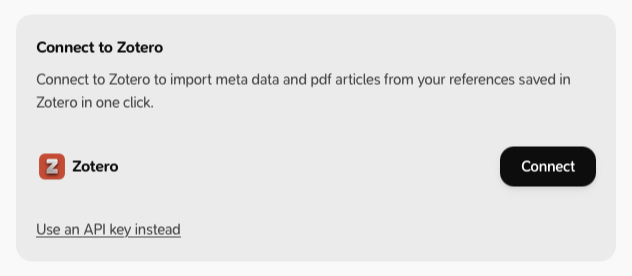
- Connect Zotero, and Milton imports your library in one click: references, collections, PDFs and the highlights you made in Zotero’s reader.
- Let it find the missing PDFs. Where Zotero only had metadata, Milton looks for an open-access copy and attaches it.
- Ask about one paper, a collection or the whole library. Answers cite the papers and passages they come from, so you can check every claim.
- Keep anything useful as a note in your project, next to the paper it came from.
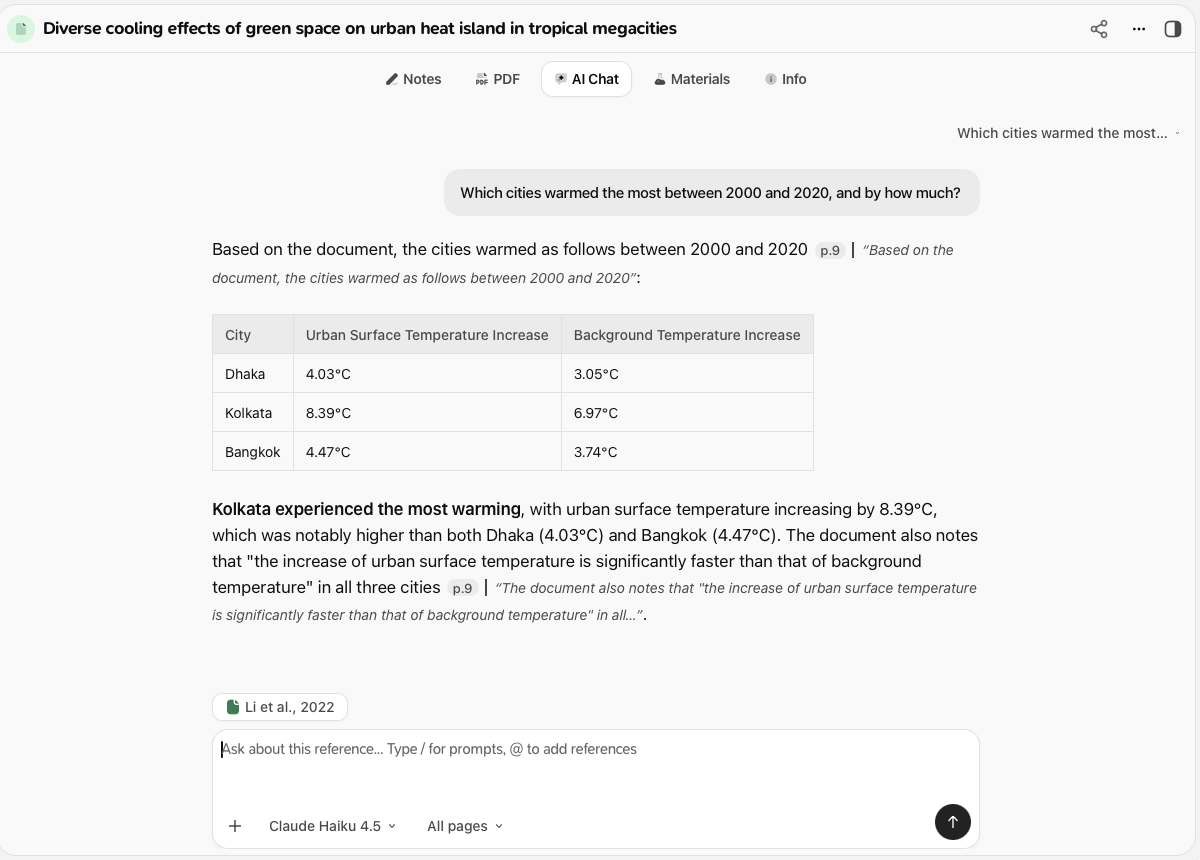
Scanned PDFs are a common blind spot for AI tools, because there’s no text in them to read. On the paid plan Milton reads scanned pages too, so the old papers you photocopied in your first year end up in the answers.
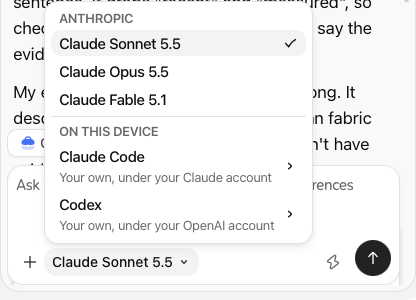
You don’t need an API key. Chat runs on credits included in the paid plan, and you choose the model, whether that’s Claude, GPT or DeepSeek. If you already have a key with one of those providers, you can add it and pay them directly instead.
What about my data?
Your library lives on your computer, and Milton works offline for everything except AI, sync and sharing. When you ask a question, the passages needed to answer it go to the model provider you picked. Anthropic doesn’t train on that content; if you pick an OpenAI or DeepSeek model, their terms apply instead.
On the free plan your library stays local, with no cloud copy at all.
Do I have to stop using Zotero?
No. You can keep Zotero as the place you capture papers and use Milton for the reading, the notes and the questions. You can also move over completely if you’d rather, since Milton does the reference manager part too: BibTeX and RIS import, bibliography export in any CSL style, a browser extension for saving papers, and LaTeX writing with co-authors. The import works either way.
Questions people ask
Does Zotero have AI? Not built in. It comes from third-party plugins, and most of those need your own API key.
What’s the best AI plugin for Zotero? That depends on whether you want to chat with one paper or with your whole library, and on whether you’re happy managing an API key. If you’d rather not deal with plugins at all, an app that imports your Zotero library is the simpler route.
Is it free? Milton’s free plan comes with some trial AI credits, so you can try chat on your own papers. Regular AI use is on the paid plan.
Does it work with Zotero groups? Milton imports what’s in your Zotero library. To work with co-authors inside Milton, you invite them to a project.