Why we built Milton

Every reference manager on the market is, underneath, a database with a citation exporter bolted on. That is a real problem worth solving — but it is not the problem you have at 11pm with forty tabs open and a half-written paragraph that needs a source you know you read three weeks ago.
The filing cabinet assumption
The assumption baked into every tool we tried is that the hard part is storage. Get the metadata right, get the folders right, and the literature review falls out of it. In practice the hard part is holding a hundred papers in your head at once and noticing that two of them disagree.
A reference manager that makes filing easy and thinking hard has optimised the wrong half of the job.
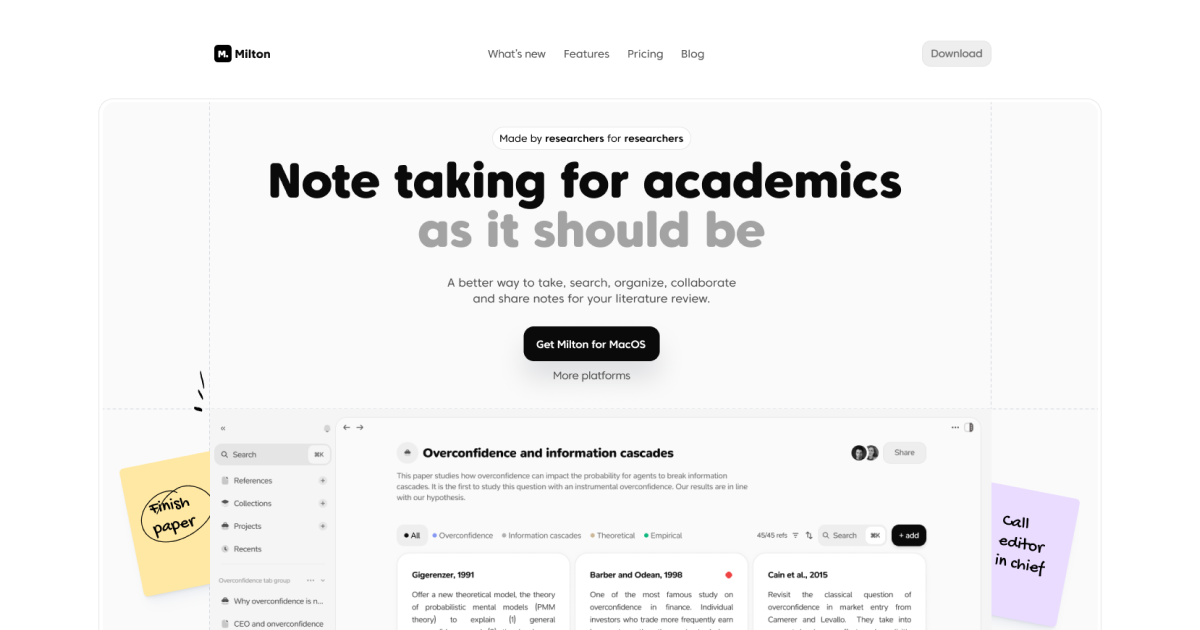
So Milton inverts it. The library is there, and it is good, but it is not the point. The point is the note you are writing and the paper you are reading, side by side, with everything you have ever written about that paper one keystroke away.
What that changes in practice
Three things follow from that inversion, and they are the whole product:
- Reading is a first-class mode. The PDF viewer is not a preview pane. It is where you spend your time, so annotations, notes and references all live there.
- Notes are linked, not filed. You reference a paper with
@and Milton keeps the connection in both directions, so the paper knows what you said about it. - It is local-first. Your library is a SQLite database on your machine. It opens instantly, it works on a plane, and it is yours.
The ordering matters too, because it maps onto how a review actually goes:
- Collect broadly and messily, without stopping to tag anything.
- Read, annotate and argue with the text in the margins.
- Only then impose structure — once you know what the structure is.
Local-first is not a feature
It is easy to read “local-first” as a privacy checkbox. It is not. It is the reason the app is fast, and speed is what makes the difference between a tool you reach for and a tool you avoid.
Everything you write goes into a local database first, and syncs after. A save looks roughly like this:
async function saveNote(note: Note): Promise<void> {
	await db.execute('INSERT INTO notes (id, body) VALUES (?, ?)', [note.id, note.body]);
	queueSync(note.id); // fire-and-forget; the UI already moved on
}
There is no spinner in that flow because there is no network in that flow. The sync queue drains whenever it can, and if it never can, you still have your work.

Where this goes
Milton is in beta and moving quickly. If you want to follow along, the download page always has the latest build, and the privacy policy says plainly what we do and do not hold — which, on the free plan, is almost nothing.
We would rather build the tool that gets used at 11pm than the one that demos well. Thanks for reading.